All plansOne click
Every texture map, in one click.
Download base colour, roughness, metalness and normal maps at once. A whole texture set counts as a single download.
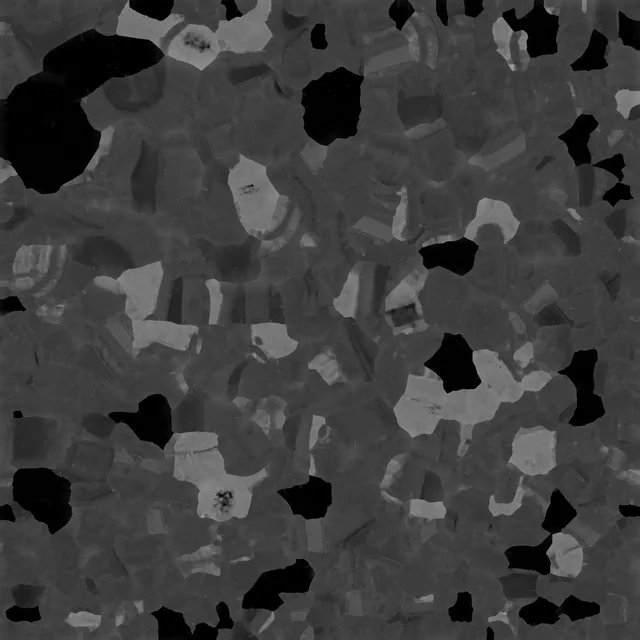
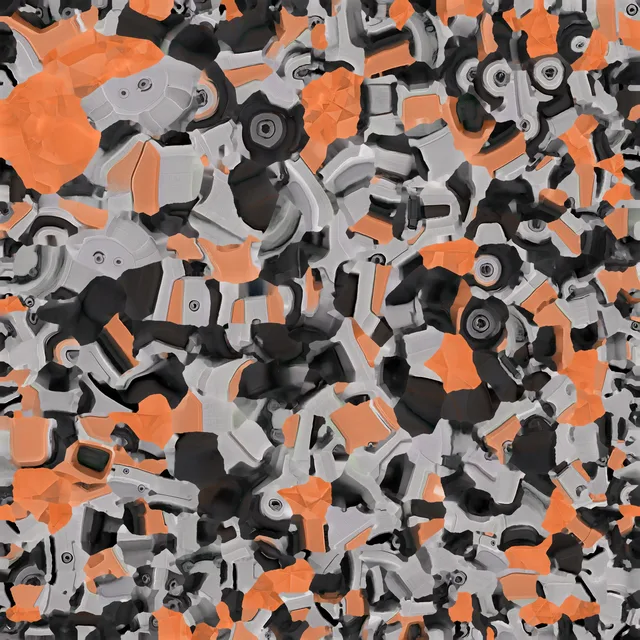
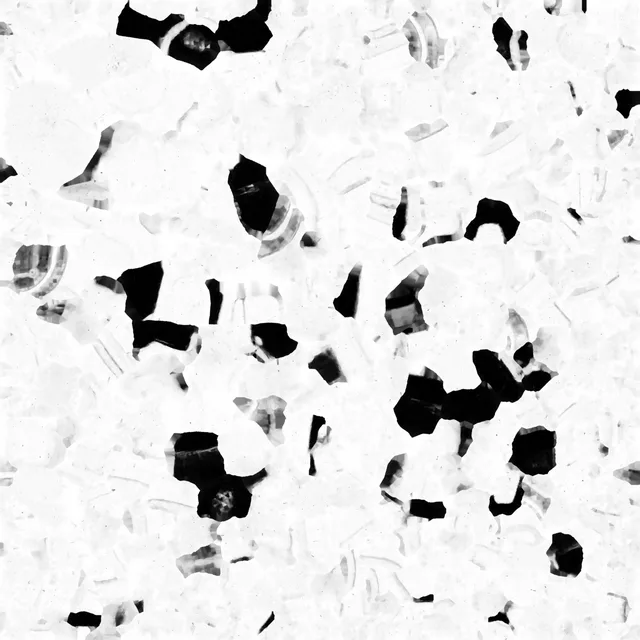
Grab3D saves the models you generate on Meshy and Tripo Studio as GLB, OBJ, FBX, STL or 3MF, with every texture map included.
Load any model in your Meshy workspace or in Tripo Studio. Grab3D wakes up with the page: no export dialogs, no digging through menus.
Grab3D recognises the model you have open and lists every format you can download it in.
GLB for the web and Blender. FBX for Unity and Unreal. STL or 3MF for your slicer. OBJ for everything else.
One click and the file lands in Downloads with its textures. Open it anywhere, print it, ship it. It is yours.
Our free 3D viewer, for everyone: texture, clay, wireframe, normals and point cloud. Every model here was created on Meshy and Tripo Studio for this page. Drag to orbit, pinch or scroll to zoom.
Pick the file your next tool wants. Every format comes with its textures, ready to open.
The web's 3D format. Mesh, materials and textures in a single file.
The universal handshake. Opens in nearly every 3D tool ever made.
Built for game engines and animation pipelines.
Pure geometry for 3D printers and slicers.
The modern printing format that keeps units and colour.
Download, inspect, upscale and convert without leaving Chrome. Everything below is real output from the gripper claw model.
Download base colour, roughness, metalness and normal maps at once. A whole texture set counts as a single download.
Resize base colour, normal, metallic/roughness, AO and emissive maps to 4K or 8K. Standard resampling: honest pixels, not AI guesses.

 1K source4K output
Load GLB, GLTF, OBJ, FBX, 3MF or STL files and convert between formats, with textures and companion files.
Release a slot from the popup whenever you switch machines.
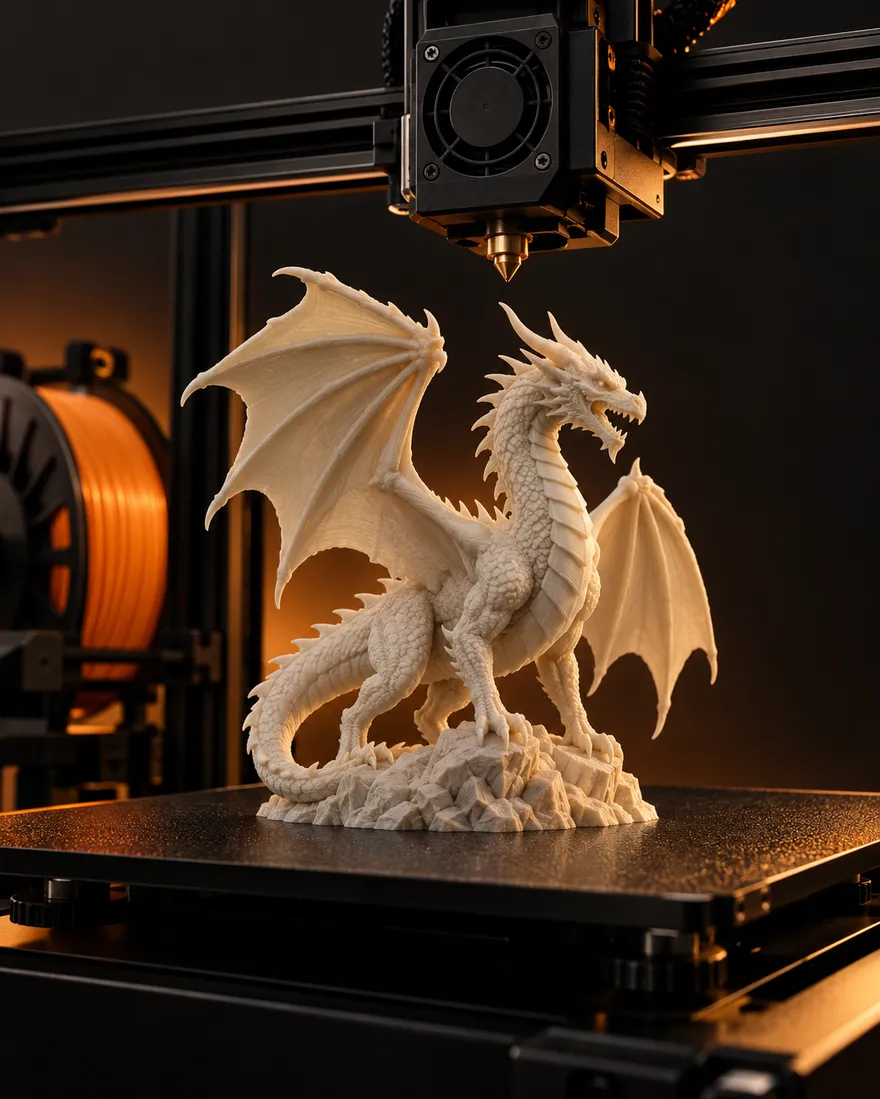
Collectibles, miniatures and props, straight into your slicer.
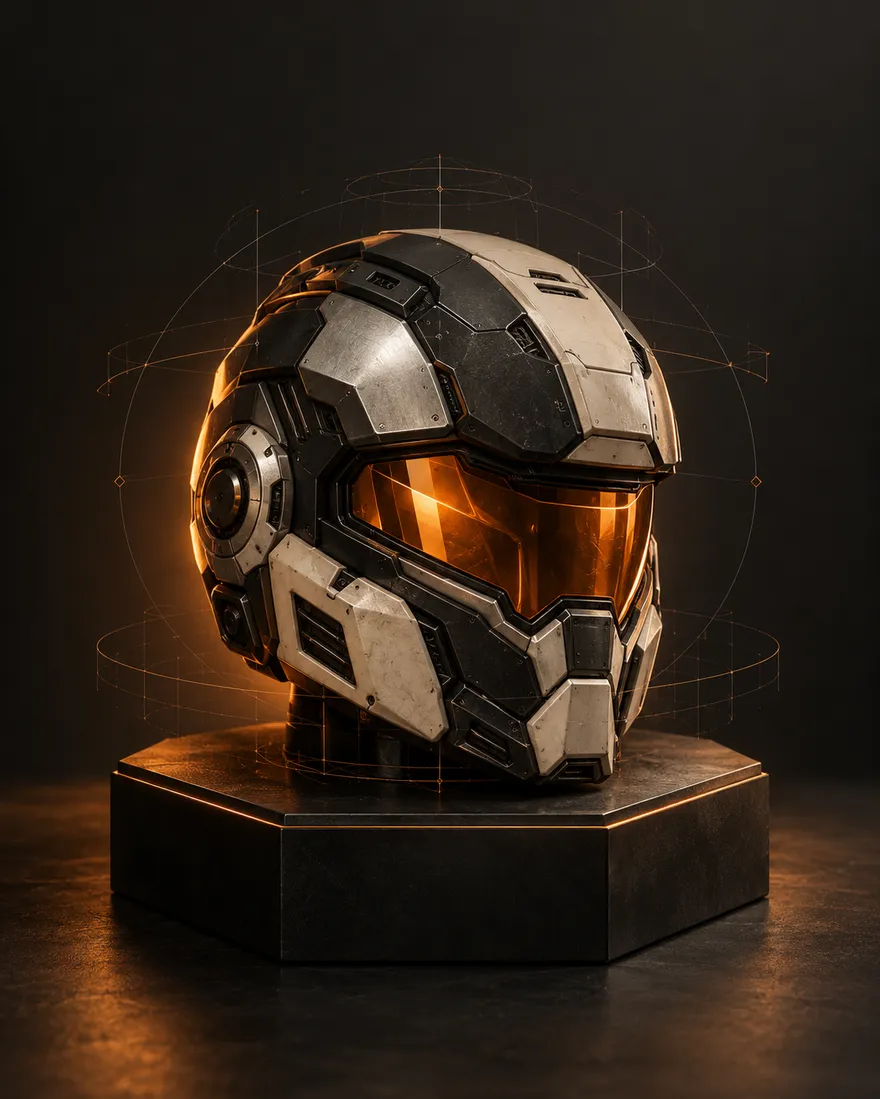
Characters and props ready for Unity, Unreal or Godot.
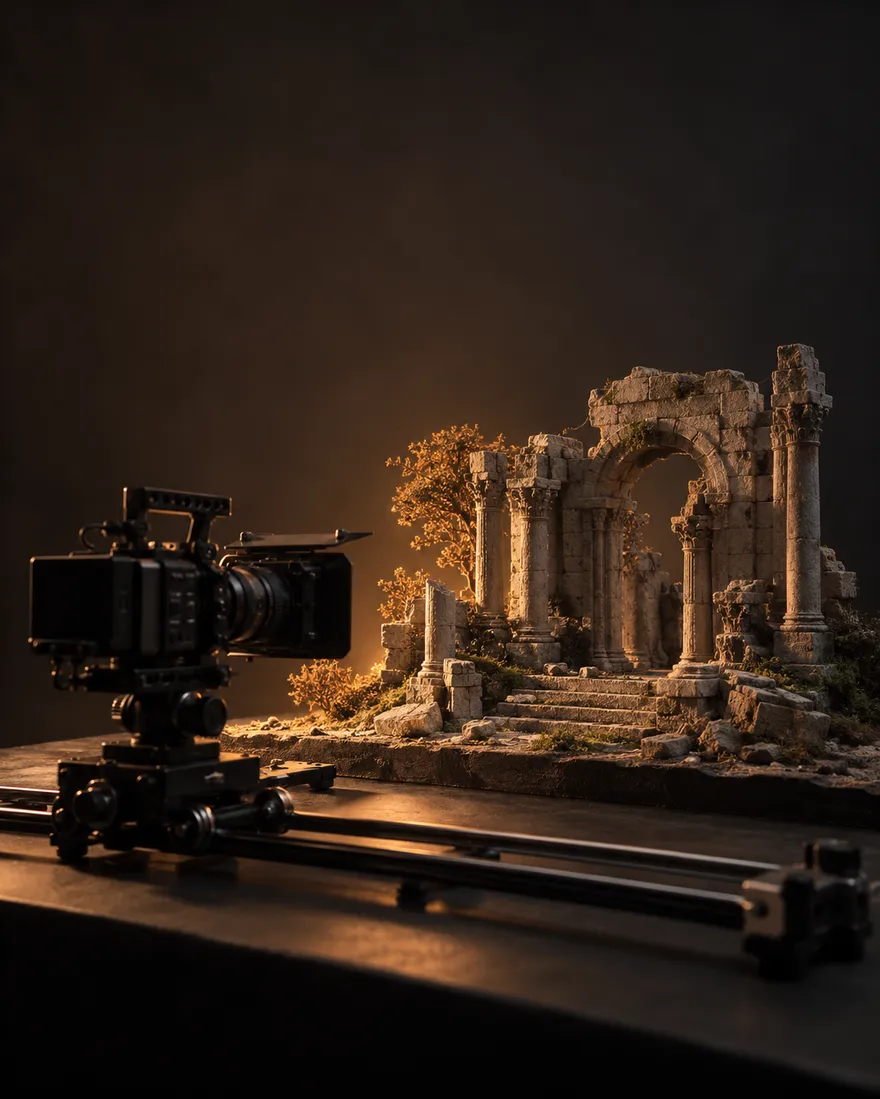
Set pieces and hero props for Blender and Maya scenes.
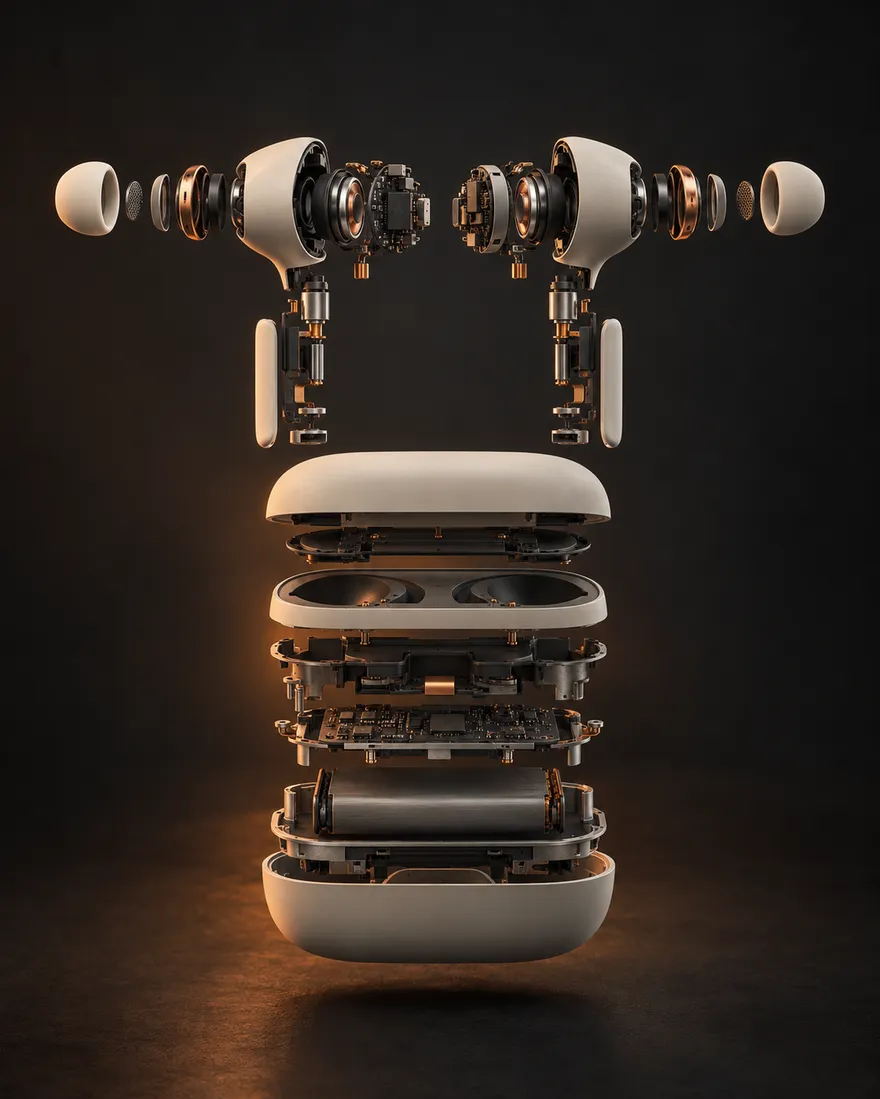
Concepts with full PBR texture sets for portfolio renders.
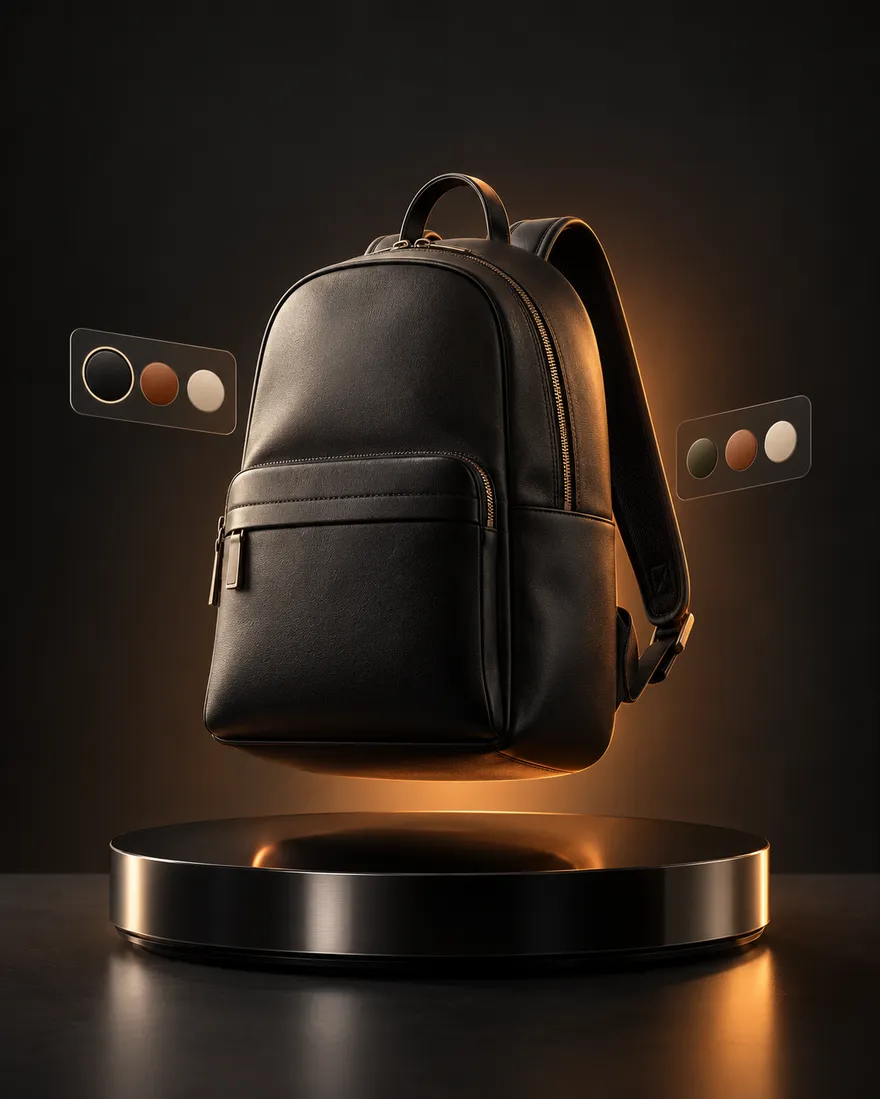
Product models for web viewers and 3D storefronts.
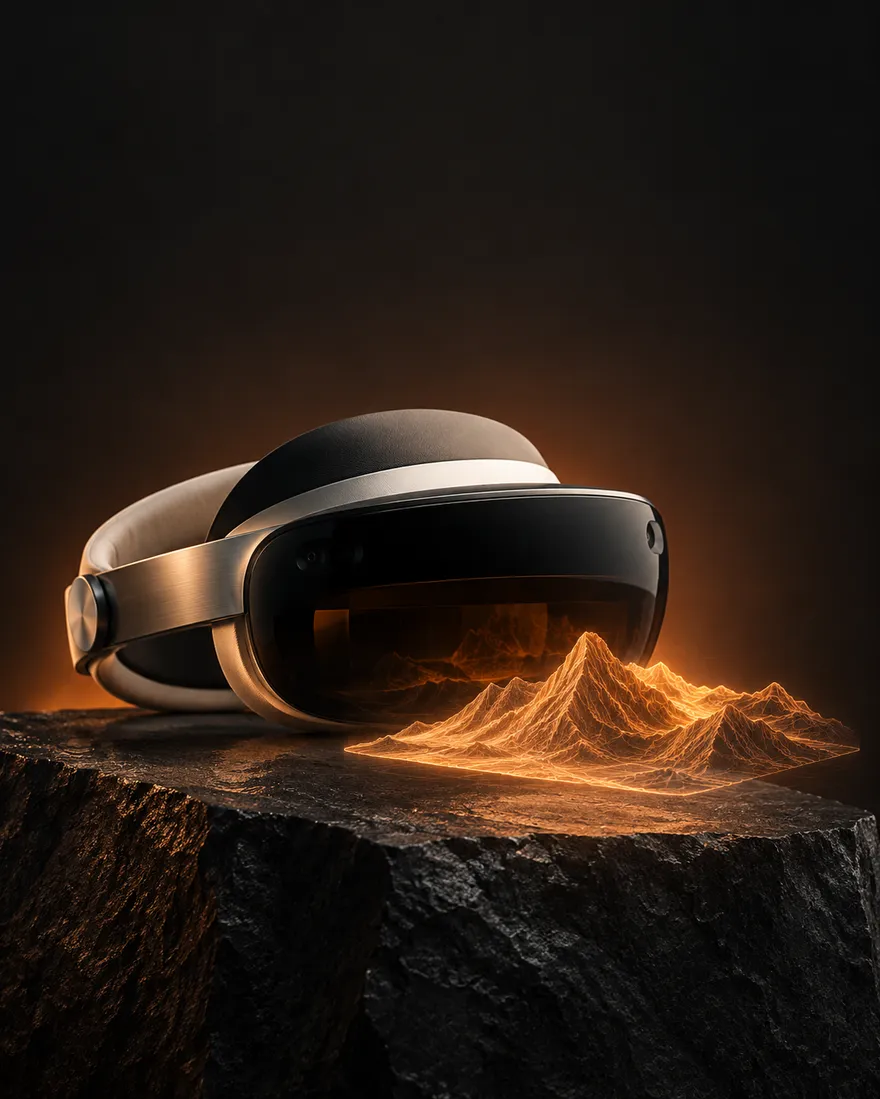
Lightweight GLB scenes for headsets and WebXR.
Four steps from install to your first file. The full walkthrough lives in the Grab3D guide.
Add Grab3D from the Chrome Web Store when it launches, then pin it to your toolbar.
Go to your Meshy workspace or Tripo Studio and select a model.
Open the popup, choose GLB, OBJ, FBX, STL or 3MF and click Download.
Free includes 3 models and 15 texture PNGs a month. Upgrade from the popup for unlimited.
Pro from $1 a month, Lifetime for a one-time $10. Pay in USD or IDR. Compare every plan.
Meshy (meshy.ai) and Tripo Studio (studio.tripo3d.ai). It runs in Chromium-based browsers that support Chrome extensions.
No. Grab3D is an independent tool. You are responsible for following the terms of the services you use and for having the rights to the models you download.
3 models from Meshy or Tripo Studio (GLB, OBJ, FBX, STL or 3MF), 15 texture PNG downloads and 1 Community model every month, plus standard-resolution texture previews. Everything resets on the 1st of every month (UTC).
Click Upgrade Plan in the extension (or open the pricing page), sign in, choose a plan and pay. After payment is confirmed, your license code is e-mailed to your account address. Paste it into the popup under Manage plan.
US dollars (USD) and Indonesian rupiah (IDR). Prices are fixed in each currency; there is no automatic conversion.
Pro renews every month and Bundle every year. You can renew or change plan from the popup at any time. Lifetime is paid once and never expires.
Up to 2 devices per license. You can release a device from the popup to free its slot.
Refresh the model page, wait until the model has fully loaded, then open the Grab3D popup again. See the troubleshooting guide.
No. All sales are final. Please try the Free plan first. See the Refund policy.
Check your spam folder first. You can also sign in on the Account page and use Send my license code again, which e-mails you a new code (the old code stops working). Still stuck? Contact us.
Grab3D is launching soon on the Chrome Web Store. Until then, explore the 3D Lab or read the guide to see how it works.